
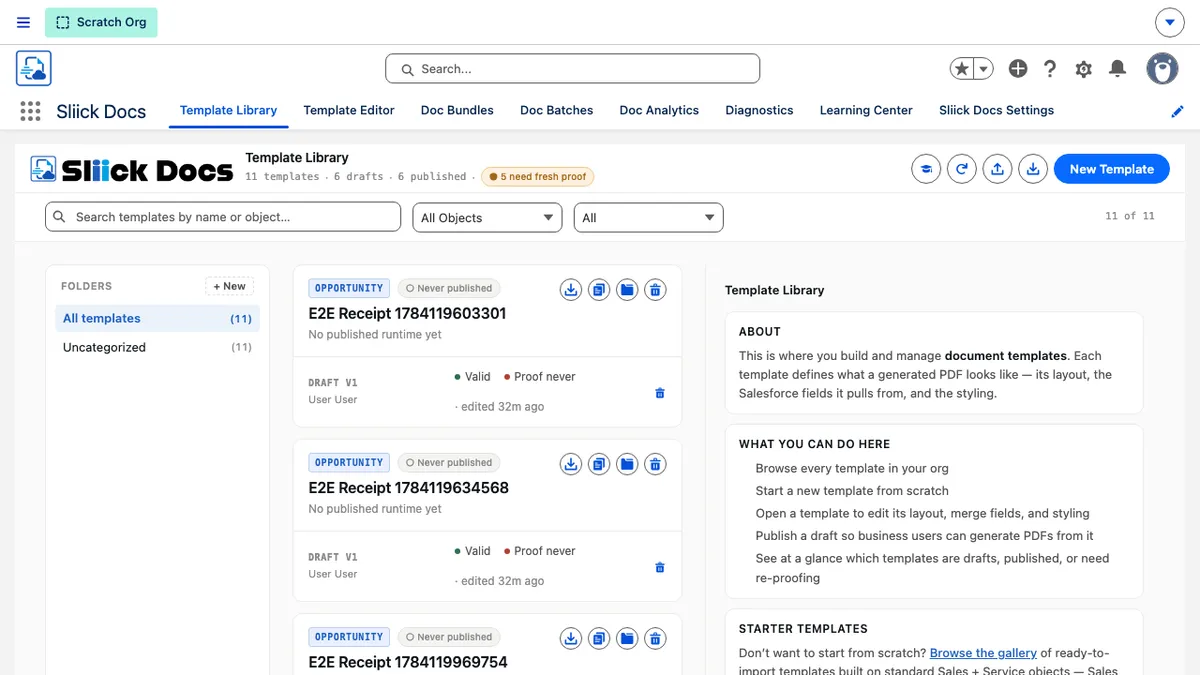
Sliick Docs v2.2: Reliability You Can Build On
Sliick Docs v2.1 turned the product from a document generator into a full platform: evidence packs, generation at scale, your own storage, and native e-signature in closed pilot. v2.2 is a tighter release. It does not add a new pillar - it makes the ones you already rely on more dependable, and gives you finer control over how signing looks and feels to the people you send documents to.
This article gives a high-level overview of what has changed since v2.1. For the step-by-step reference, see the Sliick Docs Complete User Guide.
Your full generation history, always reachable
Every document you have ever generated for a record now stays reachable. Previously, the history list only ever showed your most recent batch, with nothing on screen to say more existed - it simply looked like that was everything you had. The same limit applied when choosing a document to send for signature, so an older document could not be selected at all.
Both places now page back through your complete history and tell you plainly when there is more to see. Nothing you have generated is ever out of reach again.
Signing, made more personal
Two changes give you and your admin more say over what a signer actually sees in their inbox.
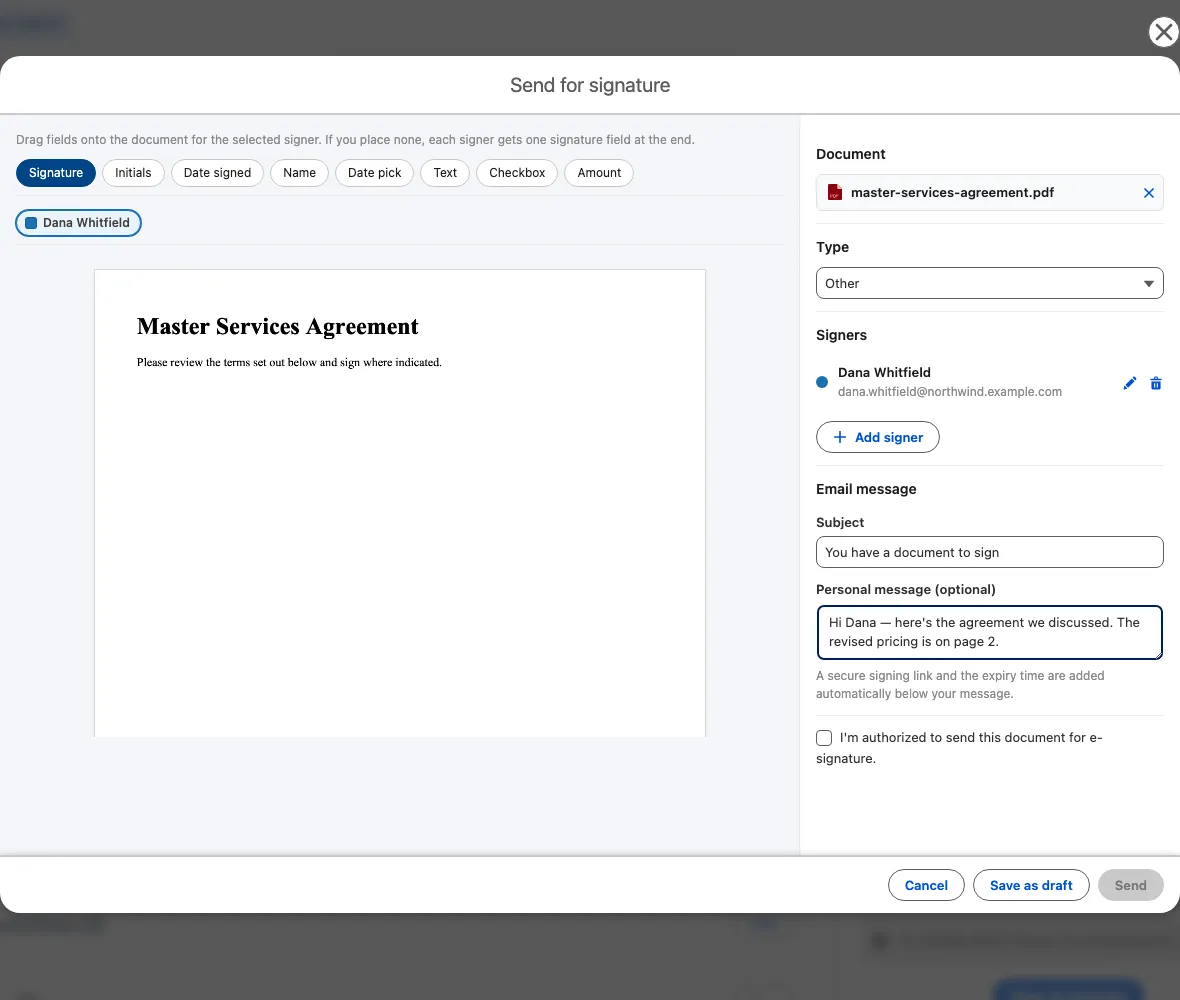
When you send a document for signature, you can now add an optional subject and personal message right in the send flow. It is prefilled with your organisation’s standard wording, so you only need to touch it when you want to say something specific to that signer. Save the send as a draft and your message is still there when you come back to it.
Behind the scenes, your admin can now write the wording for the invitation, reminder, cancellation, and completion emails themselves, with a live preview as they edit. The signing link, expiry notice, and standard security footer are always added automatically, so the parts that matter for security and deliverability stay consistent no matter how the surrounding message is customised.
A trusted, independently verifiable digital seal
Signed documents can now carry a professionally sealed signature - the same kind of trusted digital seal used by established e-signature providers, rather than Sliick Docs’ own certificate. It is available as a new signature option in Settings, and because it relies on a verified organisational identity, Sliick enables it for your org on request rather than it being a simple toggle. If you sign documents that need this extra layer of assurance, get in touch to have it switched on.
Premium documents and images, rendering reliably
If your organisation uses Sliick Docs’ premium high-volume rendering for demanding, image-heavy documents, generation is now noticeably more dependable end to end. Logos and photos that could previously be missing from a finished PDF - with the document otherwise looking complete - now consistently appear at the size you set. If you rely on premium rendering, this release is worth upgrading to on its own.
Auto-email now covers documents you generate yourself
If your admin has set up a template to automatically email its generated document to someone, that email now sends whether the document came from a Flow, a batch, or you clicking Generate on the record page yourself. Previously, only automated runs triggered the email; a manually generated document from an auto-email template did not.
An integrity fingerprint for compliance
For organisations that need to demonstrate a generated document has not been altered after the fact, every document now carries an integrity fingerprint alongside its existing audit record. It lets you confirm that a downloaded file is exactly the one that was generated, not just that the data behind it matched.
A more responsive Settings experience
Org-wide defaults in Settings now save instantly, with no delay and no need to refresh to confirm a change took effect. The editor itself opens and responds a little faster too, and block styling gained finer padding controls for each side of a block, giving authors more precise control over layout and spacing.
Upgrading
Sliick Docs v2.2 is live on the AppExchange. New installs get v2.2 directly.
A few notes for existing orgs:
- Everything from v2.1 carries forward unchanged. Your existing templates, bundles, batches, and settings continue to work exactly as before.
- The history and signing-picker improvements, image reliability, and auto-email fix apply automatically - there is nothing to configure.
- The personal send message and admin-customisable signing emails are available immediately wherever e-signature is already enabled.
- The trusted digital seal option is enabled per organisation on request. Get in touch if you would like it switched on.
Where to start
- Sliick Docs Complete User Guide - the full reference, updated for v2.2.
- Sliick Docs product page - feature overview and AppExchange install link.
If you would like a hand reviewing your signing email wording or enabling the trusted digital seal, get in touch.