
Sliick Forms v0.6: Building on v0.3
Sliick Forms was last announced at v0.3. Three releases later, it is at v0.6, still free on the AppExchange, and the gap between those two points is bigger than a version number suggests. This article catches you up on everything worth knowing since v0.3.
The short version: a form no longer needs an Experience Cloud site to go public, a long form now survives being closed halfway through, forms that touch more than one Salesforce object get a clear picture of how those objects relate, and the admin surfaces have been redesigned around the two questions that matter most day to day: where does this form live, and what did people actually say.
Host a form on your own public address, no Experience Cloud required
This is the biggest change since v0.3. Connect your org to Sliick Edge from the Admin Dashboard, and Salesforce gives you a public address of your own, something like https://acme.sliick.net, that can serve your forms directly to the public web.
Nothing is public until you say so, form by form. Connecting the org does not publish anything by itself. Each form gets its own consent tick, in Form settings or right there in the publish dialog, and a form you duplicate is never carried onto the public address, even if the original was. Turning a form off the public address takes effect immediately, and publishing now tells you plainly whether your address actually received the update, rather than leaving you to guess.
For teams that want to embed a form on their own website rather than link out to it, the Form Builder’s Share tab now offers a ready-made embed snippet the moment a form is eligible, along with allowlists for which sites may embed it and which may fetch its data. Leaving those blank keeps a form open to embed anywhere, so tightening them is entirely optional.
This sits alongside Experience Cloud rather than replacing it. A form can still live on a portal page behind login, on your own custom-built page, on your public Sliick Edge address, or on more than one of those at once.
A long form now survives being closed halfway through
Save-and-continue has been rebuilt from the ground up. A respondent working through a long, multi-page form can leave and pick up later, from any device, and everything about where they were is kept: their answers so far, any rows they had added to a repeating group, files they had already uploaded, and which page they were on. The link that carries all of this is a secure reference to answers held safely in your org, not the answers themselves, so it stays reliable regardless of how much a respondent has filled in.
Once a respondent has used that link to submit, it is spent. Opening it again starts a fresh form rather than reopening, and potentially resending, answers that have already been received.
A more polished authoring experience
Multi-page forms can now show their own step names. Give a page a label in the builder and respondents see that name as a heading, instead of a generic “Page 2”, and their answers are grouped under it on the review screen. A page left unnamed still renders exactly as before.
The Contact form and Event registration starters now ask for a first name and a last name as two separate fields, instead of one combined name box, so answers land cleanly on the right Salesforce fields from the moment you start building.
Personalise a link, without overriding what you already know
A field can now be filled in automatically from a link, so a marketing link like ?utm_source=partner-x can quietly seed the field it corresponds to. This is off by default and switched on per field, so nothing changes unless you choose it.
Where a respondent’s details are already known, from a signed prefill link, a resumed save-and-continue session, or their own saved draft, that information is respected rather than silently overwritten by whatever record they are viewing. What a respondent has already told you always wins.
A clear picture when a form spans more than one object
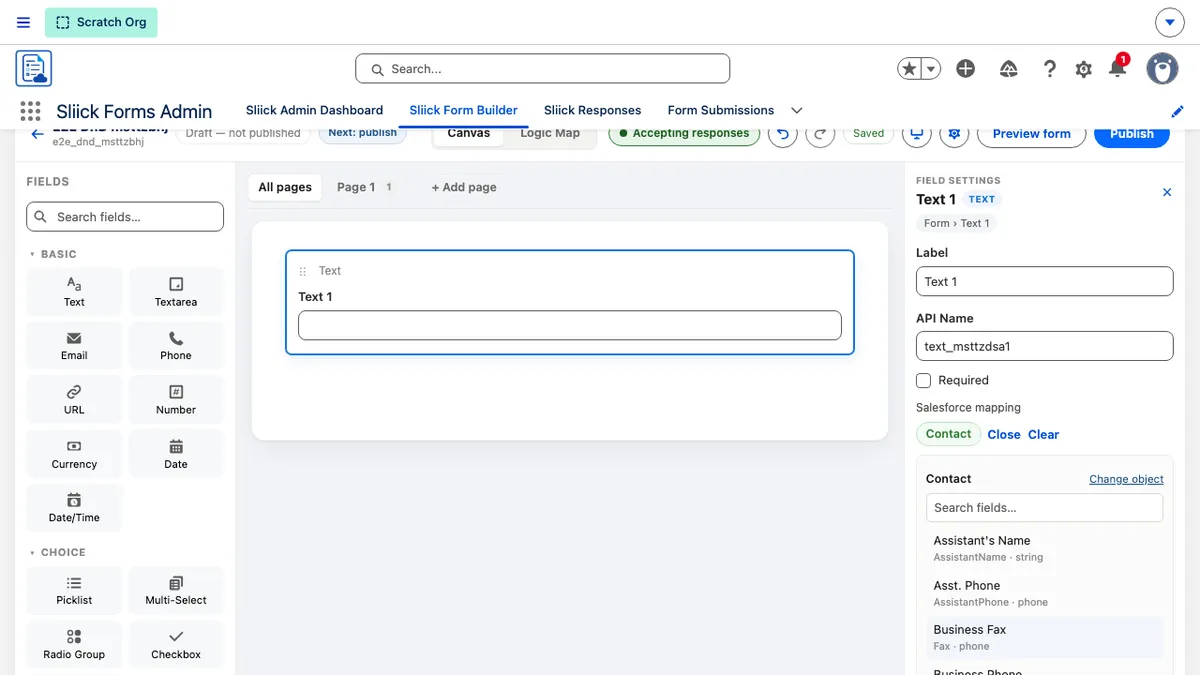
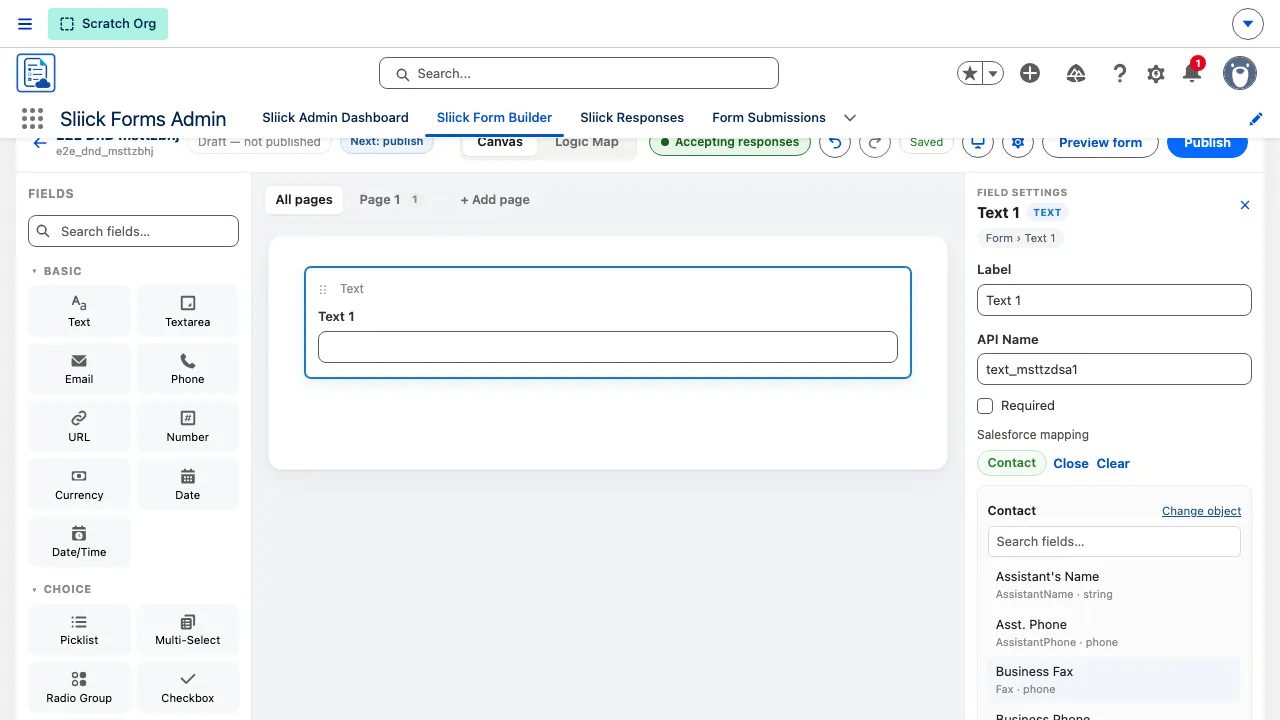
Some forms naturally touch more than one Salesforce object, and where the schema offers more than one way to connect them, guessing wrong used to fail silently: the records would save, just unrelated to each other. Forms now surface that choice directly. The moment a mapping makes the relationship ambiguous, you are asked which one is correct, and you can see and change which object a form is mostly about at any time.
The Admin Dashboard and Sliick Responses, redesigned
Both admin surfaces have had a real redesign, not a lick of paint.
The Admin Dashboard’s Delivery panel now answers one question directly: every place a form can be reached. Sliick Edge, Experience Cloud, and Custom site sit as three tabs that work together rather than compete, each showing its own status at a glance, so you can see what is set up without opening anything.
The Sliick Responses console now shows what respondents actually said, not just a status. Looking at one form, the console shows that form’s own questions as columns; across several forms, it shows a short summary of the answers. Either way, you see the answer whether or not its field happens to be mapped to a Salesforce field, since mapping decides what gets written to a record, not what was captured.
Duplicating a form now asks what to call the copy, with a sensible name already suggested, rather than quietly reusing the original’s name.
Finer control over your theme
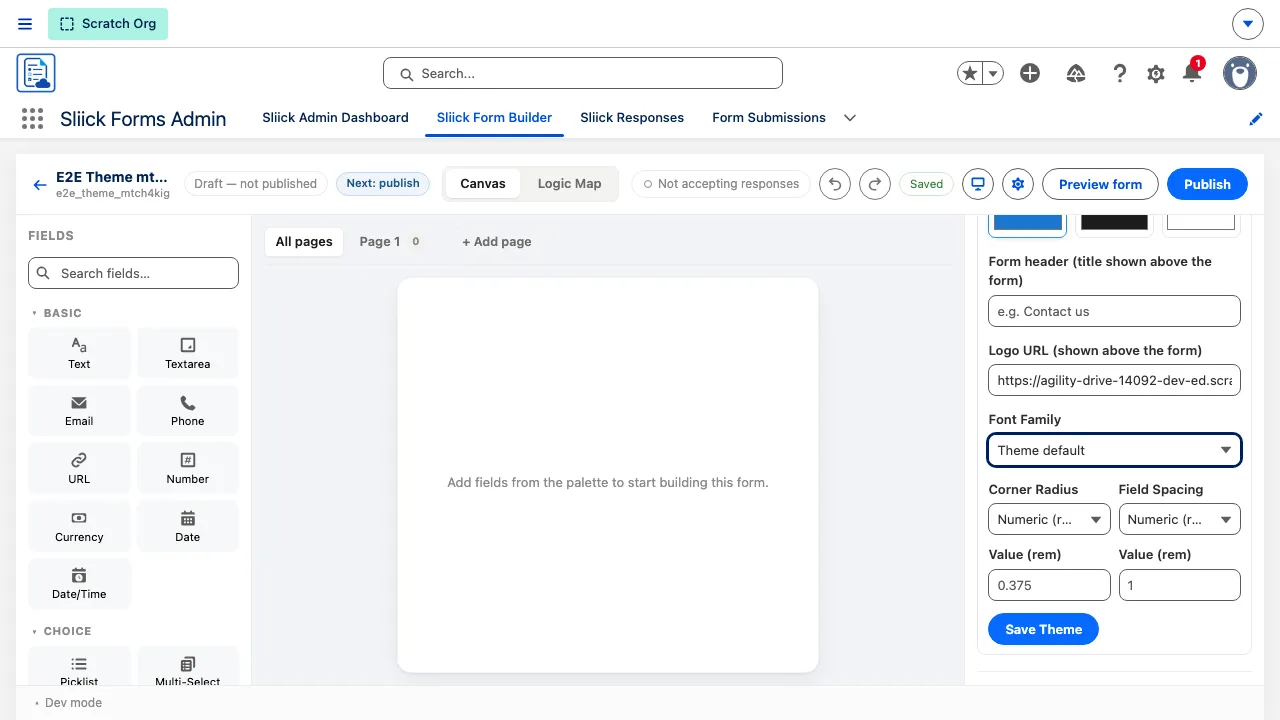
Corner Radius and Field Spacing move from free text to guided, numeric controls with a live preview as you type, plus a Custom option for any measurement you need. A theme can also now be defined using modern colour formats, such as oklch(), for teams whose brand palette is set up that way.
Answers you cannot see never reach your records
A few protections quietly became part of how every form behaves, whether or not you ever think about them:
- A hidden field on every public form catches automated bots. A script that blindly fills in every field trips it and gets an ordinary-looking confirmation with nothing recorded, without ever showing a real respondent anything extra.
- Forms hosted on your public Sliick Edge address also run every submission through a Cloudflare Turnstile check before it is accepted, on top of the hidden-field trap above. It needs nothing set up on your side, and it fails closed: if the check itself cannot be completed, the submission is refused rather than let through unverified. Experience Cloud forms rely on the hidden-field trap alone.
- An answer a respondent could not see, because a rule hid it, never reaches your Salesforce records. What lands on the record always matches what the review screen showed them.
- A form only ever accepts responses once it has been published, so nobody is served an unfinished draft.
- Uploaded files land on the submission the moment they arrive, so you can review them before you process anything, and storage used by files that were started but never submitted is easy to see and clear.
Alongside all of this, a quieter release in between (v0.5) went entirely into reliability under the surface: steadier retries, cleaner blueprint imports, and a more resilient builder canvas.
Upgrading
Sliick Forms v0.6 is live and free on the AppExchange. New installs get v0.6 directly.
- Everything from earlier versions carries forward unchanged. Your forms, mappings, published versions, and responses continue to work exactly as before.
- Sliick Edge, save-and-continue, the object model, and the redesigned dashboard and console are all available immediately. There is nothing to configure to get the reliability and safety improvements; Sliick Edge and per-field link parameters are opt-in where noted above.
- Nothing about how existing published forms look or behave to respondents has changed, aside from the improvements described here.
Where to start
- Install Sliick Forms free from the AppExchange.
- Sliick Forms documentation for the full reference, kept current with the released version.
- Sliick Forms v0.8 for what has arrived since this release.
- Sliick Forms v0.3 for where this all started.
- Sliick Forms product page for the overview and install link.
- Book a walkthrough if you would prefer a demonstration.
Send feedback, gaps, and requests to support@sliick.com. The product is complete enough to run production intake today, and what arrives in that inbox decides what goes into 1.0.