Sliick Docs v2.3: Your Brand, Your Signing Process
Sliick Docs v2.2 was a reliability release. v2.3 is about polish and control: every signing email now carries your organisation’s own branding, the template editor has been redesigned to be faster and clearer to build in, and you have far more say over how a signature request behaves from the moment it’s sent to the moment it’s downloaded.
This article gives a high-level overview of what has changed since v2.2. For the step-by-step reference, see the Sliick Docs Complete User Guide.
Every signing email now carries your brand
This is the headline change in v2.3. Previously, signing emails (the invitation, reminder, cancellation, and completion messages) were plain text with a Sliick Docs footer. They now render as proper branded HTML emails: your organisation’s logo or wordmark in an accent-coloured header, your personal message shown as its own distinct card, and a clear Review document button in place of a raw link.
The security-relevant parts of the email, the signing link, the expiry notice, and the anti-phishing footer, always stay exactly where they are and can’t be edited away. Only the surrounding presentation is yours to shape.
Setting it up takes a minute: in Settings, under Signing emails, admins can now set a brand name, an accent colour, and upload a logo. Before sending anything live, there’s a Preview email panel that shows exactly what a signer will receive, and a Send me a test email button so you can see it land in your own inbox first.
If a signer’s mail client can’t render HTML, they still get the same information as a clean plain-text fallback, so nobody is left with a broken-looking email.
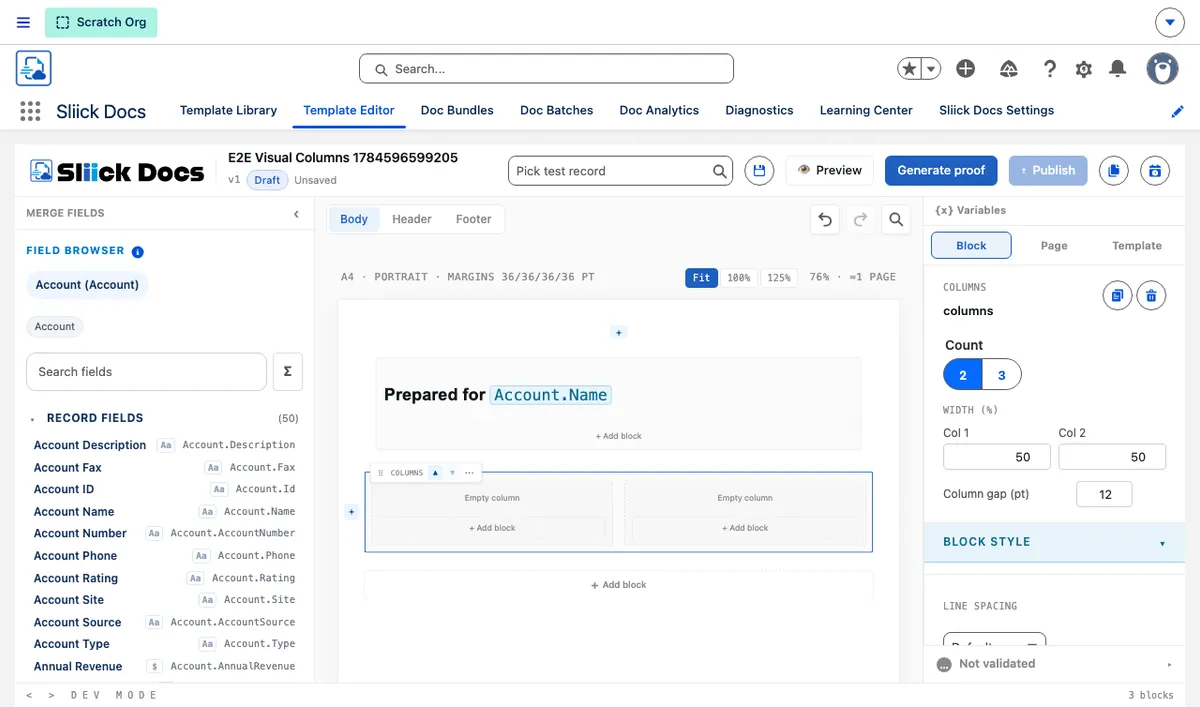
A redesigned template editor
Building and adjusting a template is noticeably faster and clearer in v2.3.
The right-hand settings panel is now organised into three tabs, Block, Page, and Template, so you’re only ever looking at the settings relevant to what you’ve selected, instead of one long scrolling list. A sticky status bar at the bottom of the editor shows at a glance whether your template is valid, and clicking a warning jumps you straight to the block that needs attention.
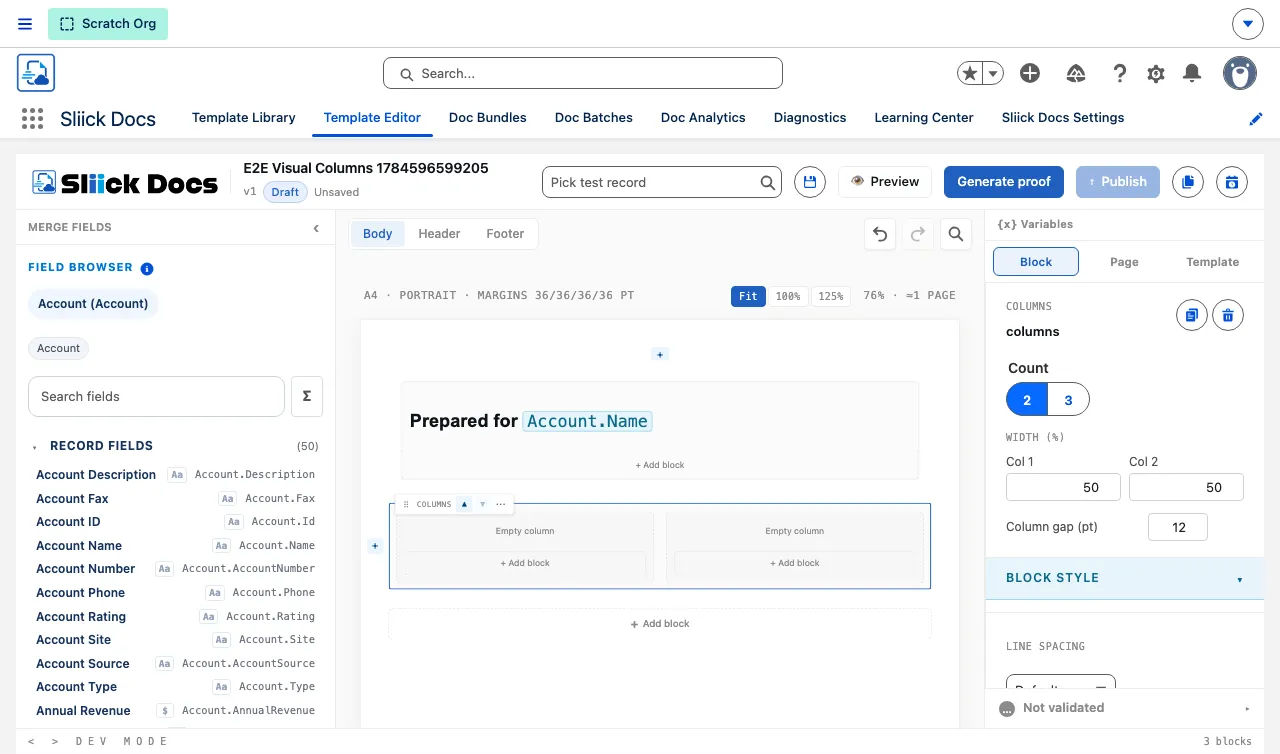
On the canvas itself, each block’s controls (move, duplicate, delete, wrap, and more) now appear only when you hover over or select it, so the document you’re building reads like an actual document rather than a stack of admin cards. Blocks can be dragged between sections, tables and columns can be resized directly on the canvas, and dashed guides give you an honest approximation of where the generated PDF will break across pages. A zoom control rounds out the view options.
Deleting a block now shows a quick Undo option if you didn’t mean to, and the merge-field browser on the left has been tidied up too: fields from the current record are listed before related-record fields, your most recently used fields are easy to find again, and long lists no longer trap your scrolling.
More control over the signing process
A handful of changes give you more flexibility over how a signature request behaves, without adding any extra setup:
- Configurable signing windows. The old fixed 48-hour link expiry is now an organisation-wide default you set in days, with the option to override it for an individual send.
- Duplicate and resend. An expired, cancelled, declined, or completed signature request can be duplicated into a fresh draft, carrying over the same documents and signers with a clean signing window. Nothing about the original request is touched.
- Change the document on a draft. Before sending, you can regenerate a draft’s attached document from the latest record data, or swap in a different file entirely, without starting the whole request over.
- In-person hosted signing. For signers who are in the room with you, a sender can now start a one-time hosted signing session from the record, rather than emailing an invitation that isn’t needed.
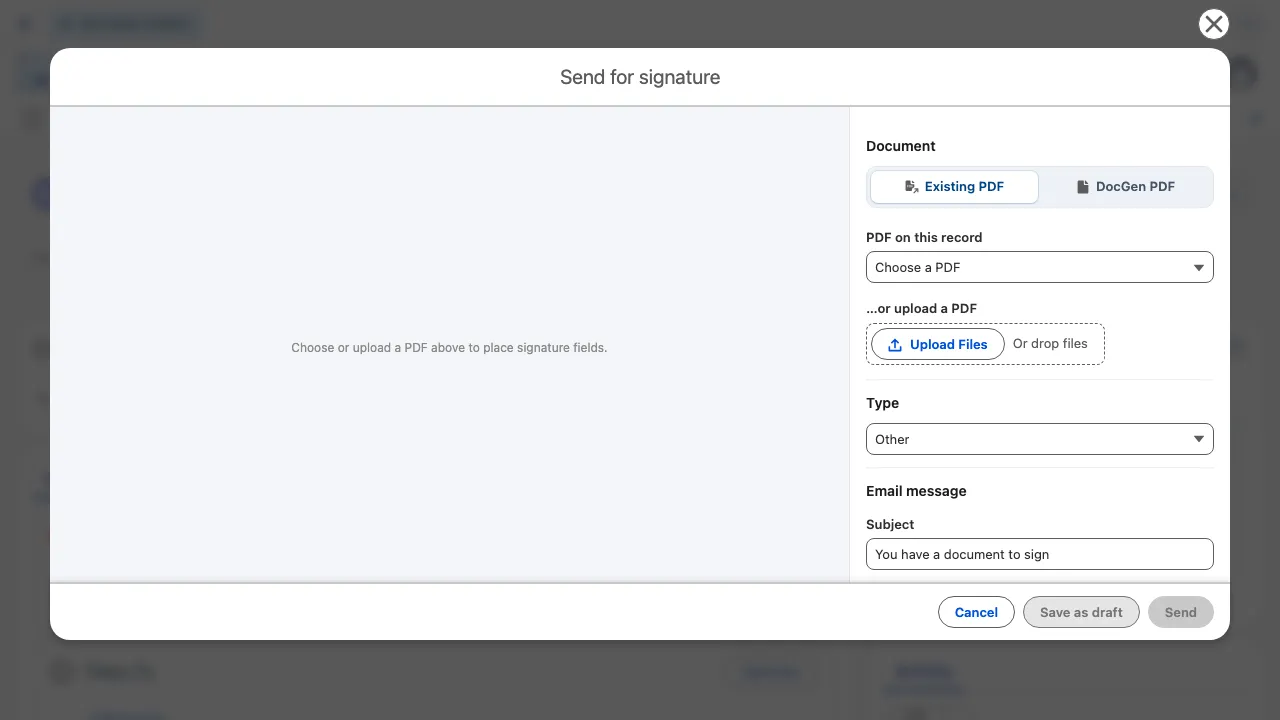
- Send an existing PDF without a template. You can now send any existing or uploaded PDF for signature, even in an organisation with no e-signature-enabled template set up yet.
Signed documents you can trust and download easily
The finished, signed PDF is now assembled directly from exactly what the signer saw and signed, keeping it accurately in step with what was actually agreed to.
Once a request is complete, both the signer and the sender can download the signed documents and the Certificate of Completion as one combined PDF, or as separate files, whichever is more useful.
Smaller improvements worth knowing about
- More reliable PDF output. Documents with tall headers or footers, and PDFs generated from uploaded Word documents, now render with consistently correct spacing and page breaks.
- Settings, reset to default. Any setting you’ve customised can be reset back to its default with one click, and it’s always clear when a value is coming from that default rather than your own override.
- A trusted digital seal, now easier to trial. The self-signed seal option now behaves identically to the fully certified seal, making it a genuine way to try the certified signing experience before committing to it. Get in touch if you’d like a tier switched on for your organisation.
Upgrading
Sliick Docs v2.3 is live on the AppExchange. New installs get v2.3 directly.
- Everything from v2.2 carries forward unchanged. Your existing templates, bundles, batches, and settings continue to work exactly as before.
- The redesigned editor, signing-process changes, and document reliability improvements apply automatically, there’s nothing to configure.
- Branded signing emails are available immediately wherever e-signature is already enabled; add your logo and accent colour in Settings whenever you’re ready.
Where to start
- Sliick Docs Complete User Guide - the full reference, updated for v2.3.
- Sliick Docs product page - feature overview and AppExchange install link.
If you would like a hand setting up your signing email branding, get in touch.
We'll audit your architecture, security, and integration posture.